Quantity price tiers
Set unit prices by minimum quantity, taking currency and channel into account.
Turn your business catalog into a clear ordering experience. Quantity-based pricing, trackable quotes, and operations suited to B2B sales.
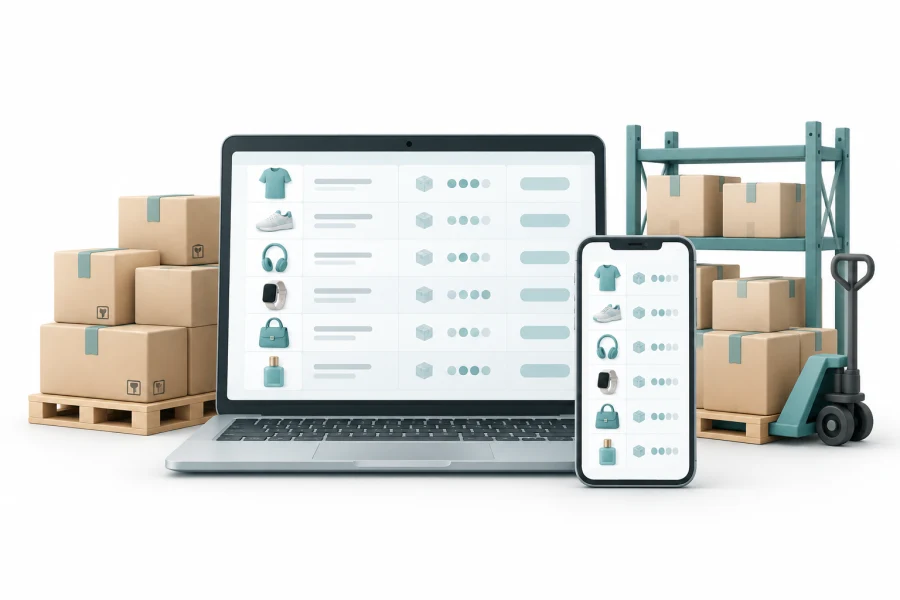
For suppliers, distributors, wholesale companies, and marketplaces selling to businesses.
Showing a product alone is not enough. Wholesale customers need to understand quantities, prices, and options, and may need a quote before buying.
Set unit prices by minimum quantity, taking currency and channel into account.
Turn the cart into a quote, then return the quote's products to the order cart.
Organize products, options, and sales units to make browsing and ordering easier.
Define quantity thresholds and prices. This example shows how prices match purchase quantities without displaying a separate product for each tier.
| Quantity | Unit price |
|---|---|
| 1 - 9 units | 25 $ |
| 10 - 49 units | 23 $ |
| 50 units or more | 20 $ |
Figures are illustrative, not NeoCart subscription prices. This example shows quantity tiers only, without taxes or delivery fees.
We start with the system's settings, then define any customization based on your project details.
Explore all features| Area | What can be configured |
|---|---|
| Quantity | Quantity thresholds defining the unit-price tier |
| Sales channel | Web, app, and point-of-sale prices |
| Currency | Link price rows to a currency |
| Quote | Save the cart as a quote and return its products to the cart |
Define products, sales units, and options.
Add quantity, currency, and channel tiers.
Prepare a quote from the cart when needed.
Return quote products to the cart and continue the order.
Yes. Price tiers are linked to minimum quantity. Pricing selects the tier matching the quantity, currency, channel, and product settings.
What we offer is creating a quote from the cart and returning its products to purchasing. Any approvals, negotiation, or contract-specific pricing are reviewed as separate requirements.
See how NeoCart can fit your company's operations and what implementing the solution involves.